Everything the week needs, in one place
TockLogic covers the whole loop — plan the shifts, capture the hours, resolve the exceptions, cost the work, bill your clients, and produce numbers payroll can use. Here's what's in the box, and which plan each part comes with.
Capture the hours as they happen
Staff clock in and out from the mobile app, or by scanning the QR code posted at the job site. Breaks, job or department codes, and short notes ride along with each entry. A missed punch is a quick fix for a manager — and every edit is stamped with who and when, so an adjusted timesheet still tells the truth.
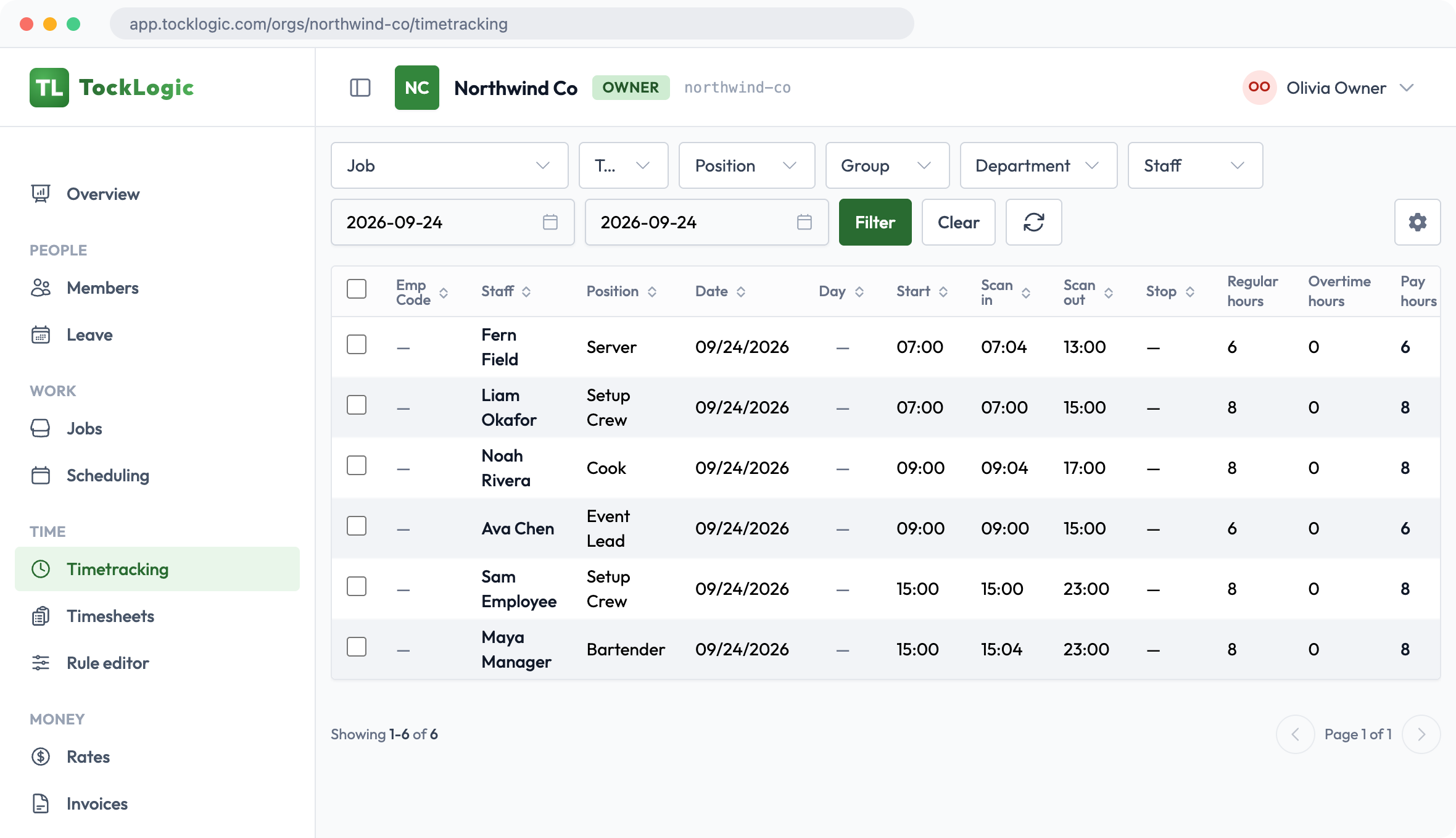
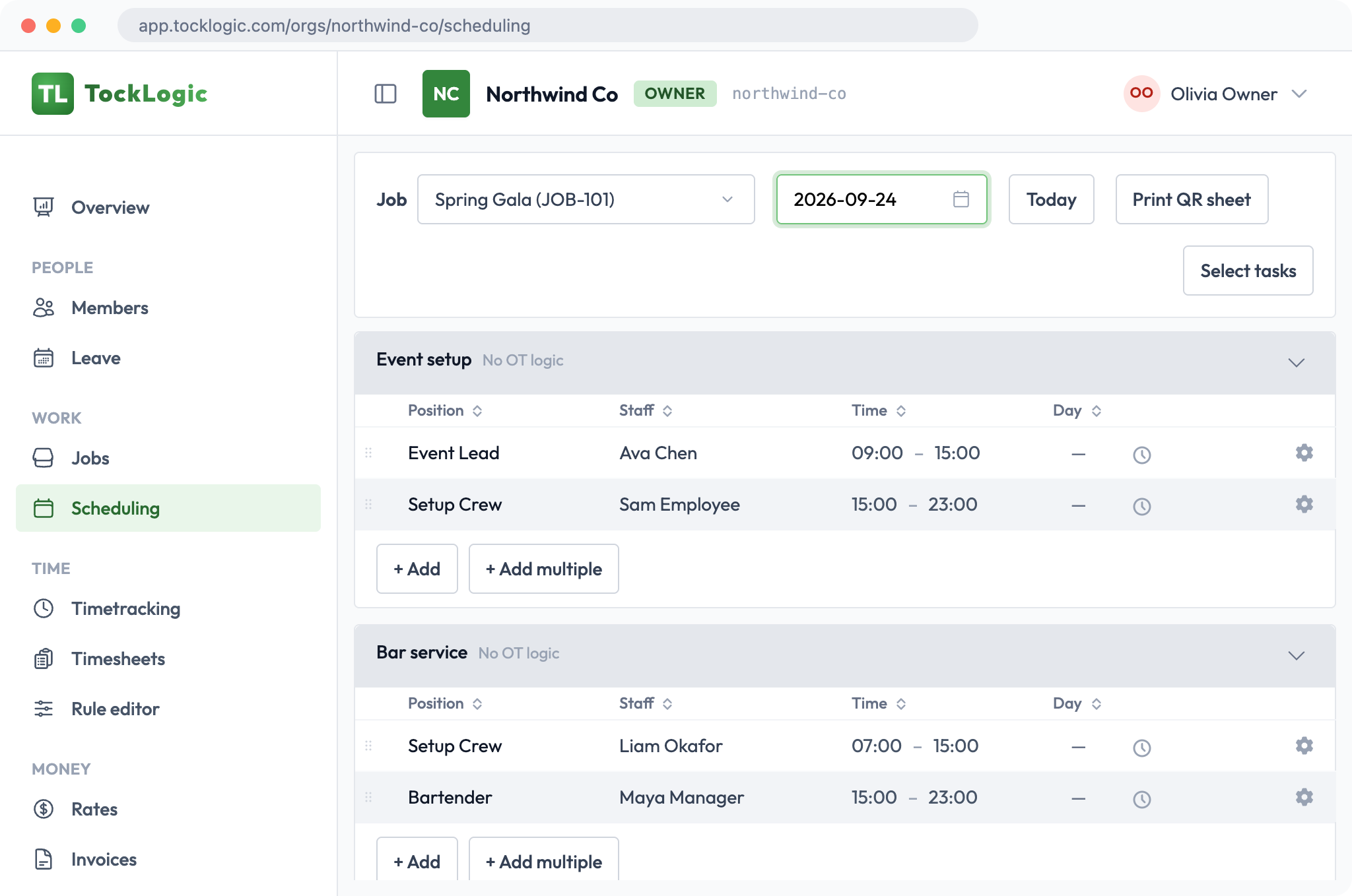
Plan each job and assign your people
Set up each job's days with the tasks and positions you need, assign your people, and see scheduled hours and coverage as you go. Assigned staff are told, and see their shifts in the mobile app. Print the job's QR sheet and post it on site, so workers can clock in by scanning it.
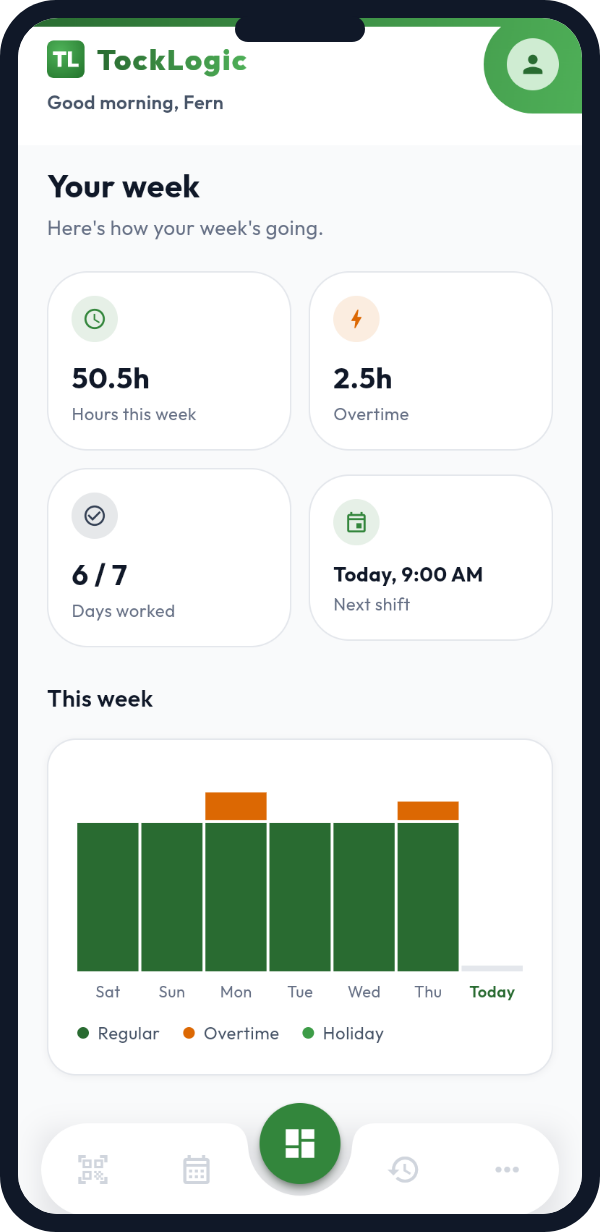
Everyone's shift, right in their pocket
TockLogic ships as a real iOS and Android app, not an afterthought. Staff clock in with one tap, see their next shift, and get notified when a shift is assigned to them. Managers get the same reach the other way — reviewing and confirming the week's hours from a phone, wherever they are, no desktop required.
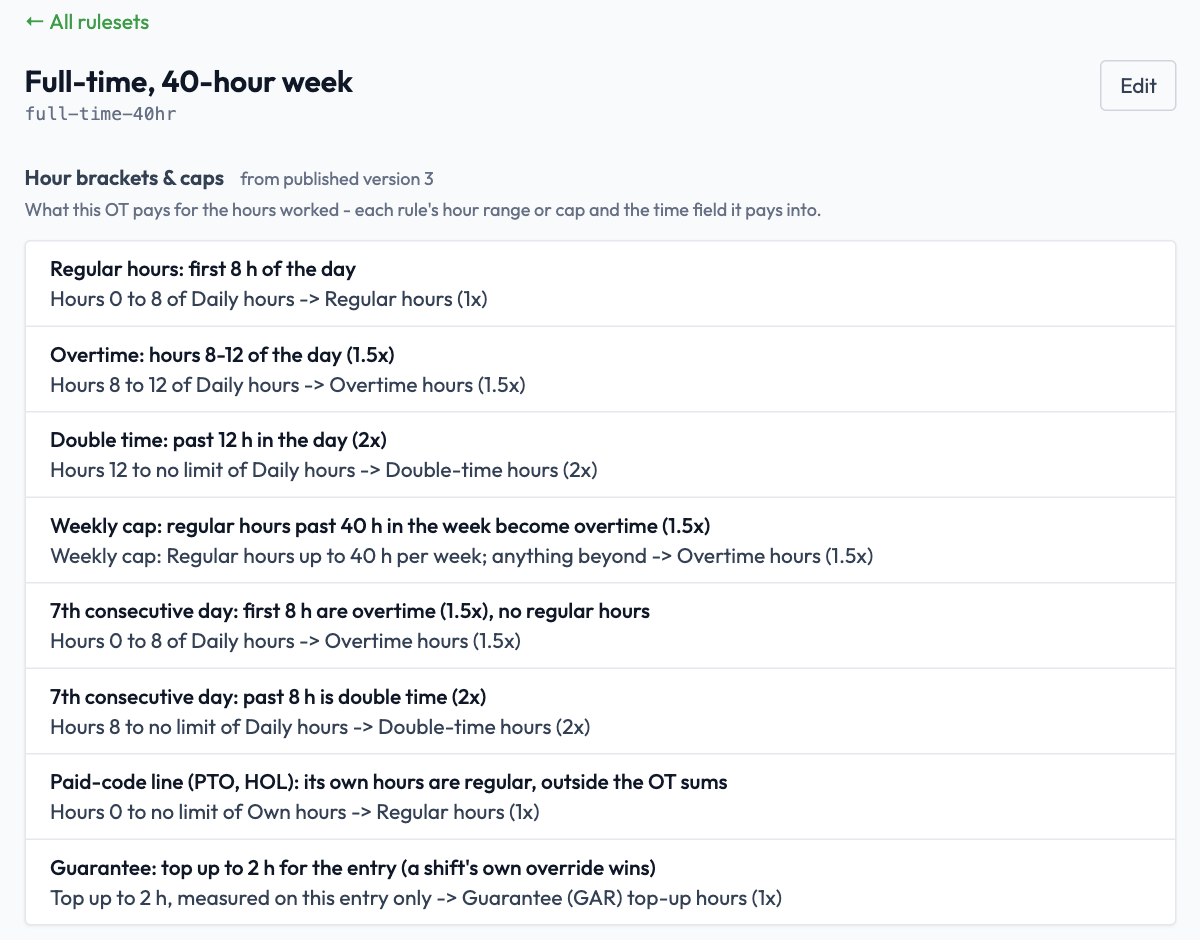
The rules are the hard part. That's the part we built.
Most time tools stop at the total. TockLogic runs a dedicated overtime engine that turns raw punches into a defensible answer:
- Daily and weekly overtime thresholds, tiered.
- Rest-hours and short-turnaround detection, including shifts that cross midnight.
- Named-holiday and time-of-day (shift-differential) premiums, per contract.
- Configurable rounding of clock times or computed hours.
- Paste in a contract or CBA and let AI draft the starting rule set for you — accumulators and rules pulled straight from the text, ready for a human to review before anything publishes.
- Every rule set is drafted, tested against real time entries, then published as an immutable, versioned record — so "what applied on this date" is always exact.
Know what every shift cost
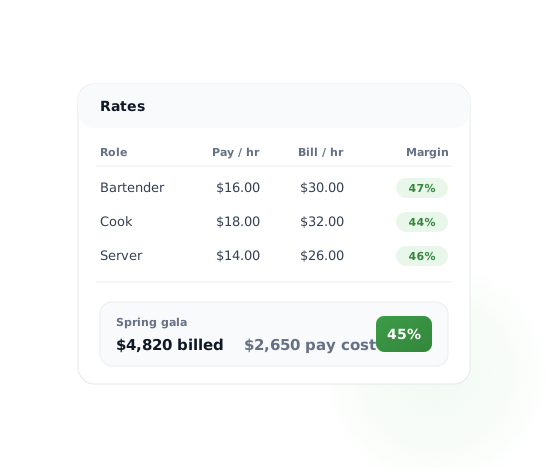
Set pay and bill rates once, and every shift is priced the same way. The cost of a timesheet is frozen the moment it's approved, so a later rate change never rewrites last month's numbers. See pay cost, billed amount and margin per job, per person or per client — and a clear warning when a shift has hours but no rate.
From the schedule to an invoice in a few clicks
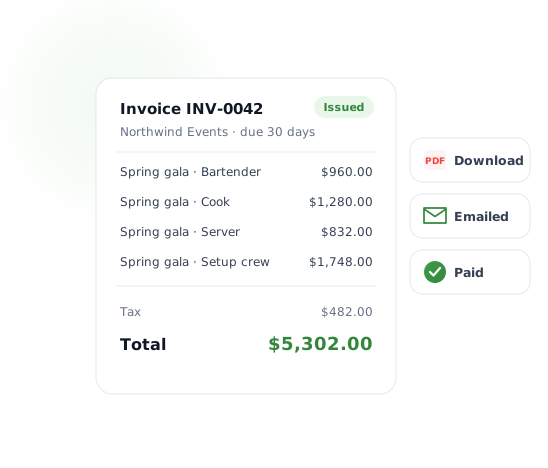
Keep your clients and their tax numbers on file, pick the jobs you want to bill, and TockLogic builds a draft from the scheduled shifts at your bill rates — one invoice, or one per job. Review and adjust the lines, then issue it. Issued invoices are locked, go out as a PDF with your logo (or by email straight to the client), and are tracked through paid or void. An hour can only be billed once, so nothing is charged twice.
Ready-made for the daily questions, buildable for the rest
Every plan includes ready-made reports, each with a date range and person filter you can change on the spot:
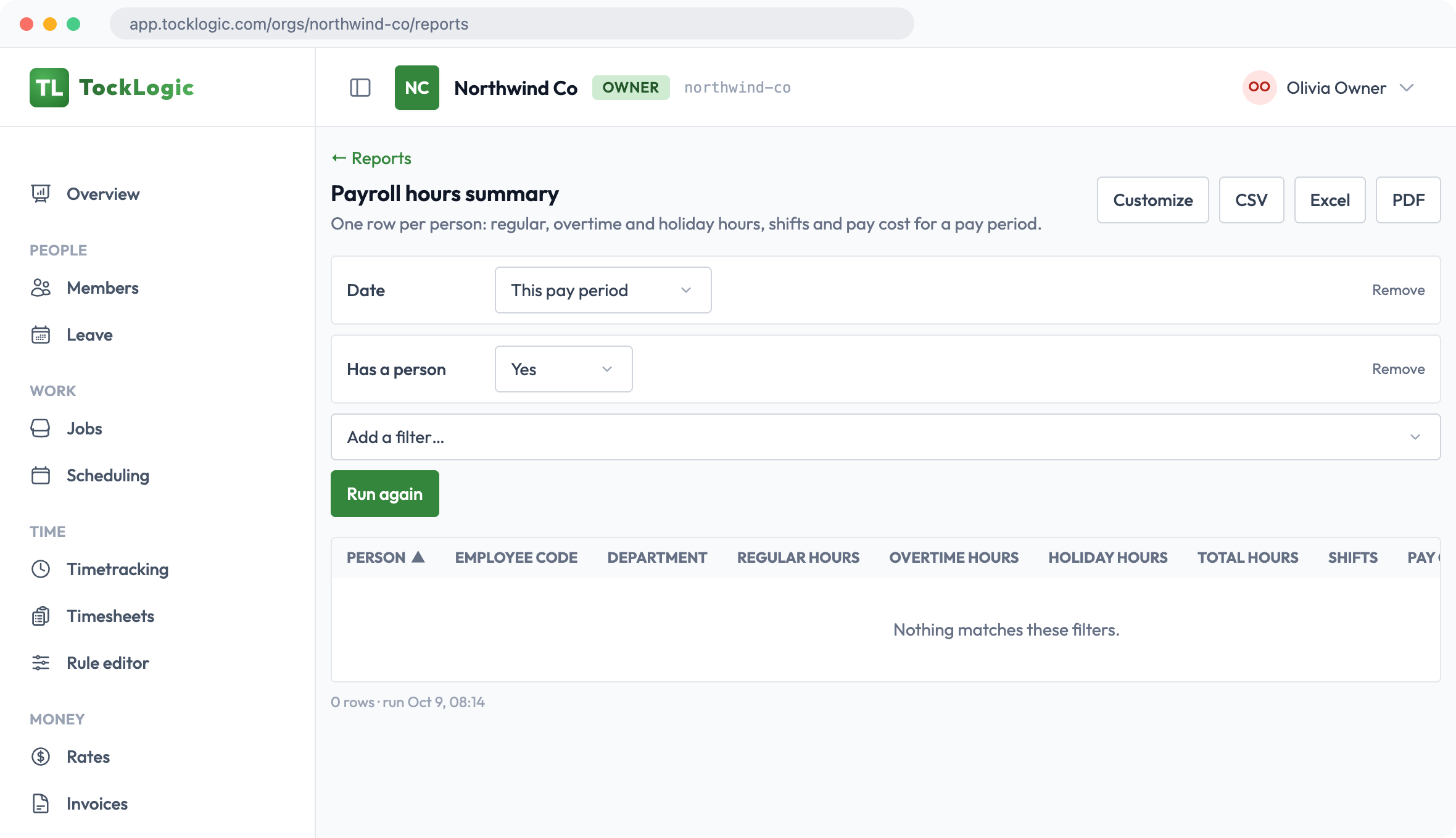
- Payroll hours — regular, overtime and holiday hours per person.
- Daily job summary — who is on which job, planned versus worked, with a printable PDF.
- Time card — one person's shifts and totals, laid out to print and sign.
- Overtime — who is running hot, and how much of their time it is.
- Leave balances and leave taken.
- Job profitability — billed against pay cost, with margin (Growth plan).
On the Growth plan you can build your own from the same data: choose the columns, group by up to two things, filter, sort, and save it for yourself or share it with the team. Everything exports to CSV, Excel or a PDF that carries your logo, and large exports are built in the background and announced when they're ready. People only ever see the rows and columns their role allows.
Leave requests that don't wait for a login
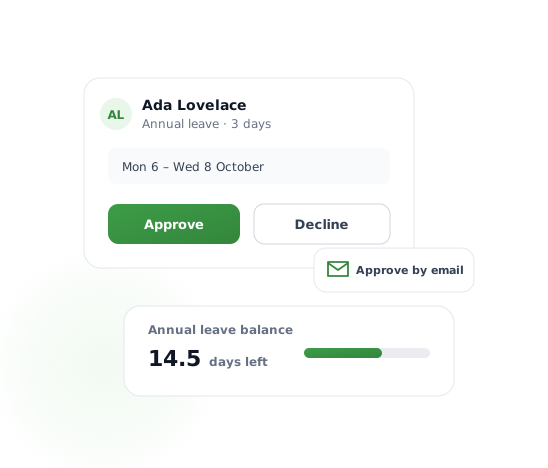
Set up leave types and policies once. Staff request time off from the app and see their balance grow and drop. Managers get an email with Approve and Decline buttons — each link works once, for that decision only, so a forwarded email can't be replayed. Approved leave shows on the schedule and in the reports, and staff can cancel it themselves until it starts.
A home page that shows what needs you
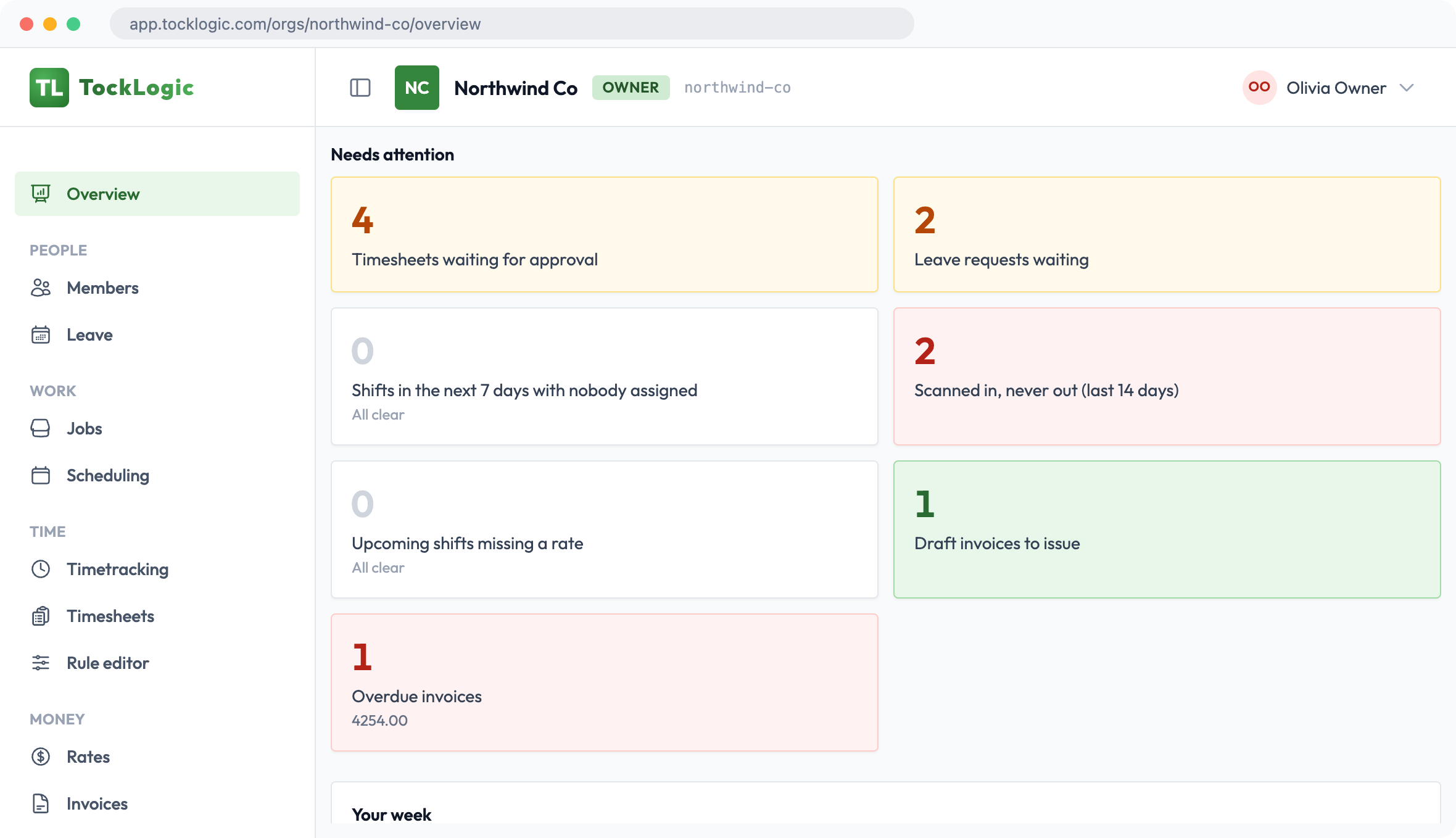
Everyone opens to their own version of the day. Owners and managers see what is waiting for them: timesheets to approve, leave requests, shifts with nobody assigned, draft and overdue invoices, then today's coverage and the pay period. Workers see their next shifts and their timesheet. What you see follows your role, so nothing is shown to someone who should not see it.
The details that make it usable day to day
Notifications
Shift assignments, leave and timesheet decisions, and export-ready notices — in-app or by email.
Roles & permissions
Editable roles per company — decide exactly what each person can see and do.
Teams
Group people into locations or crews; managers are scoped to just their own.
Audit trail
Every timesheet edit, review and schedule change is logged and attributable.
Single-tenant option
Need your own isolated instance? The same product deploys as a dedicated tenant.
Bulk invites
Bring the whole team in from a CSV, Excel or JSON file, with a sample to fill in.
Overview
A home page that shows each person what needs doing, today's shifts and the pay period.
Shift flags
Missed clock-outs, overlapping shifts and scans outside the job's area are flagged before a timesheet is approved.
Job-site QR sheets
Print a QR sheet for each job and post it on site. Workers scan it with their phone to clock in.
Custom time fields
Add your own pay or time fields, like holiday pay, each with its own multiplier.
Two-step sign-in
Protect accounts with an authenticator app or a code sent by email.
Help in the app
Contact support from the web app or the mobile app, and attach a screenshot.
Ready to see it work?
Watch eight short videos of the real app, then start free for 60 days.